Payment receipts with the amount written out, ready to print or send as PDF.
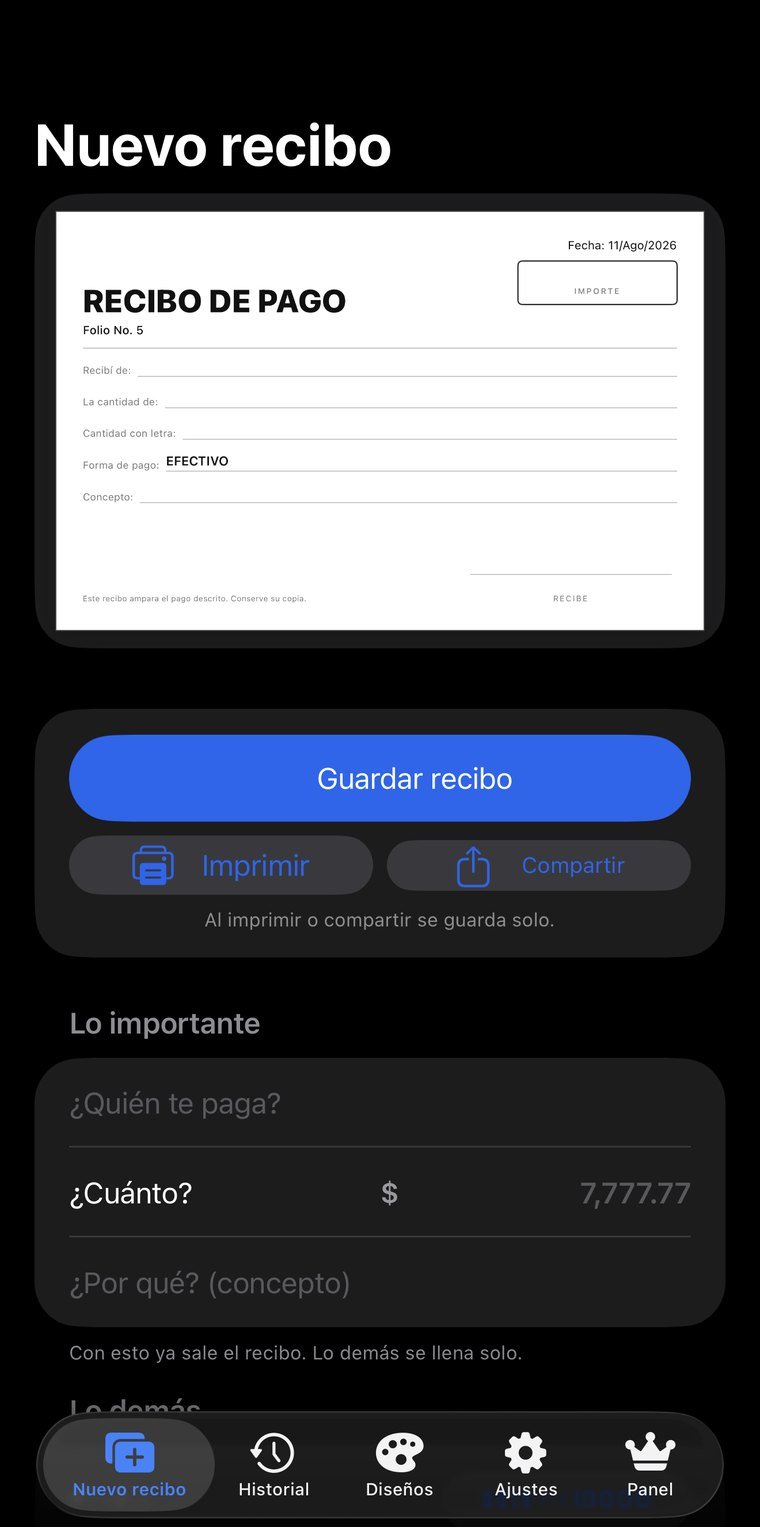
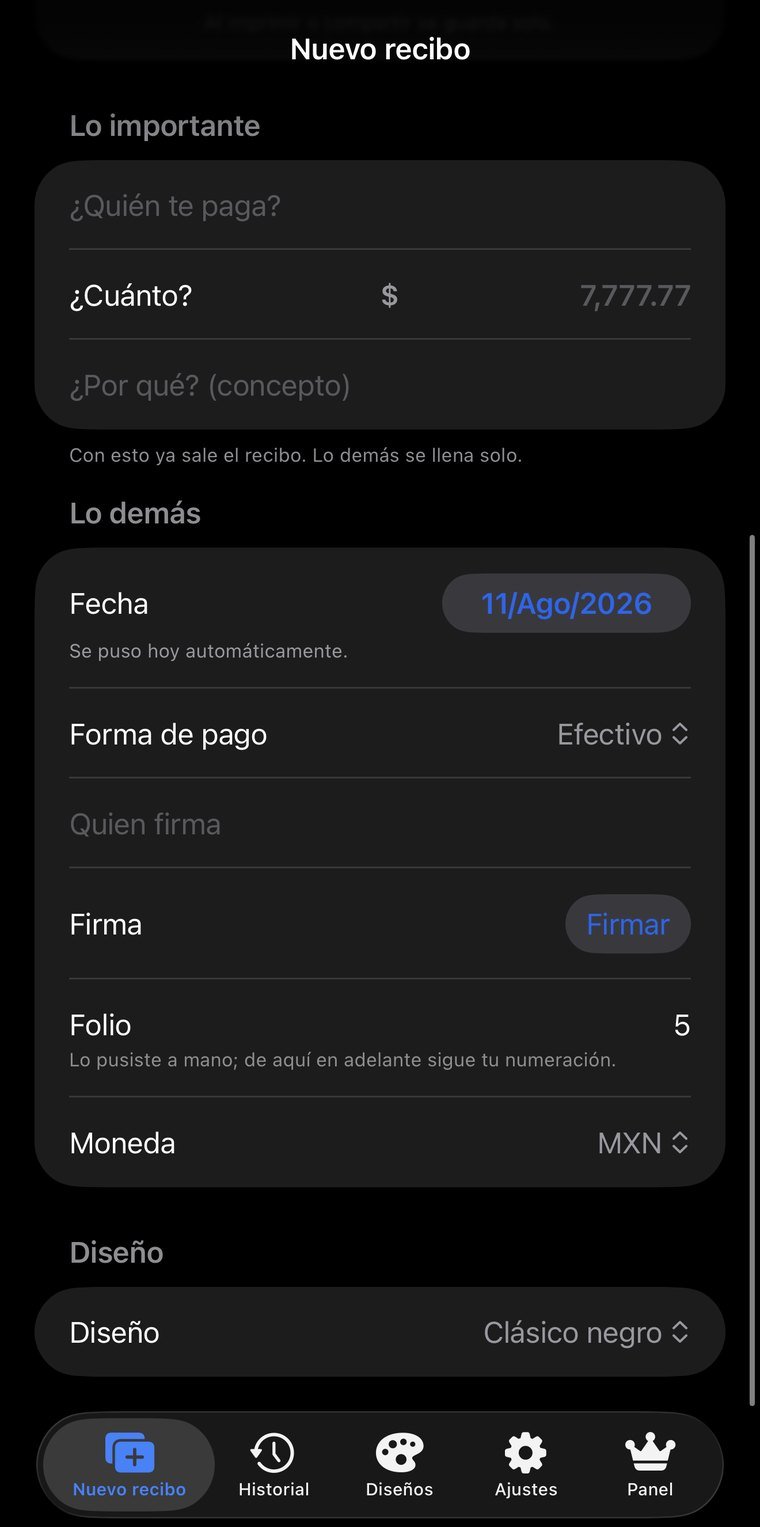
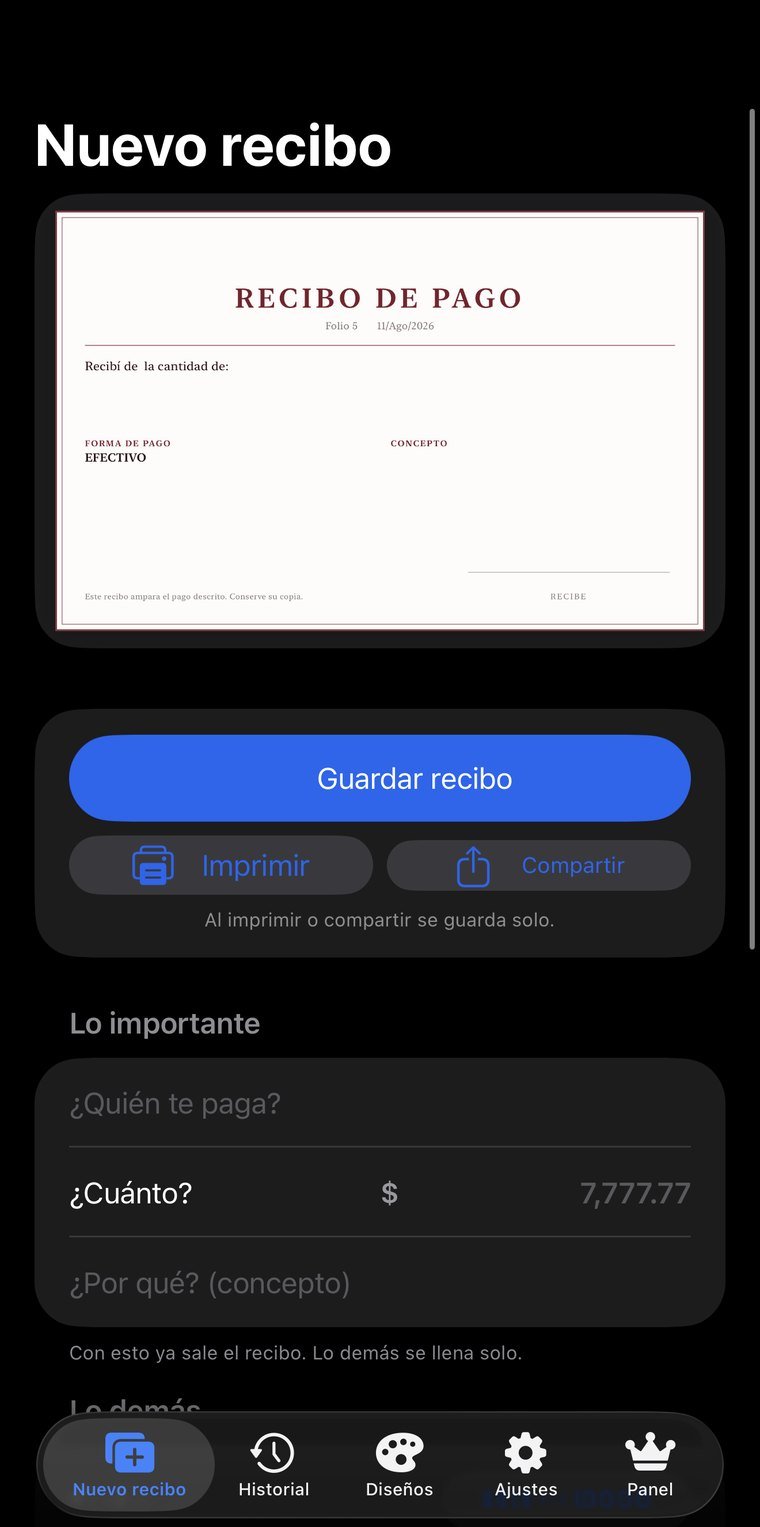
Real screenshots, not mockups. Tap any of them to see it full size; arrows move between them, Esc closes.
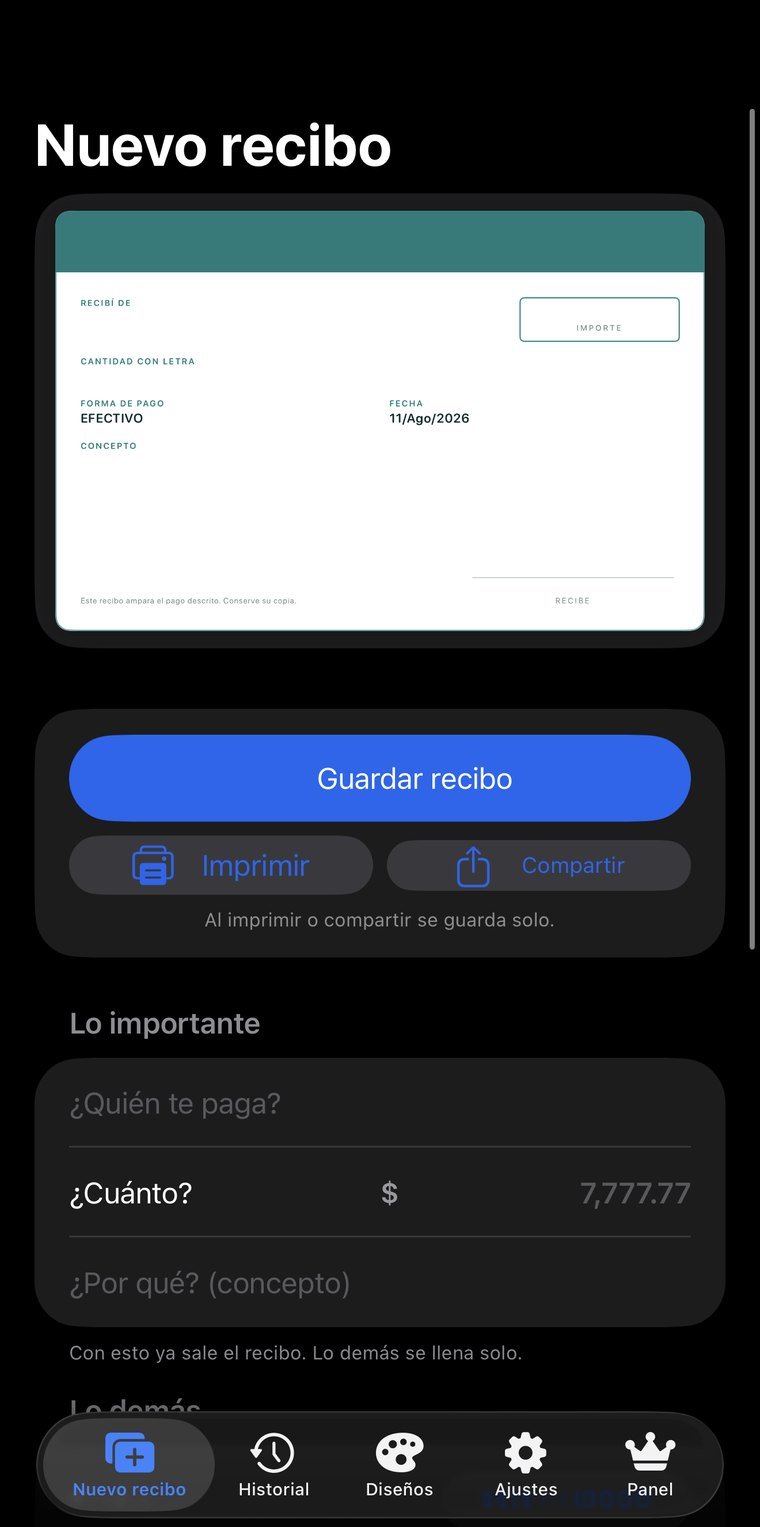
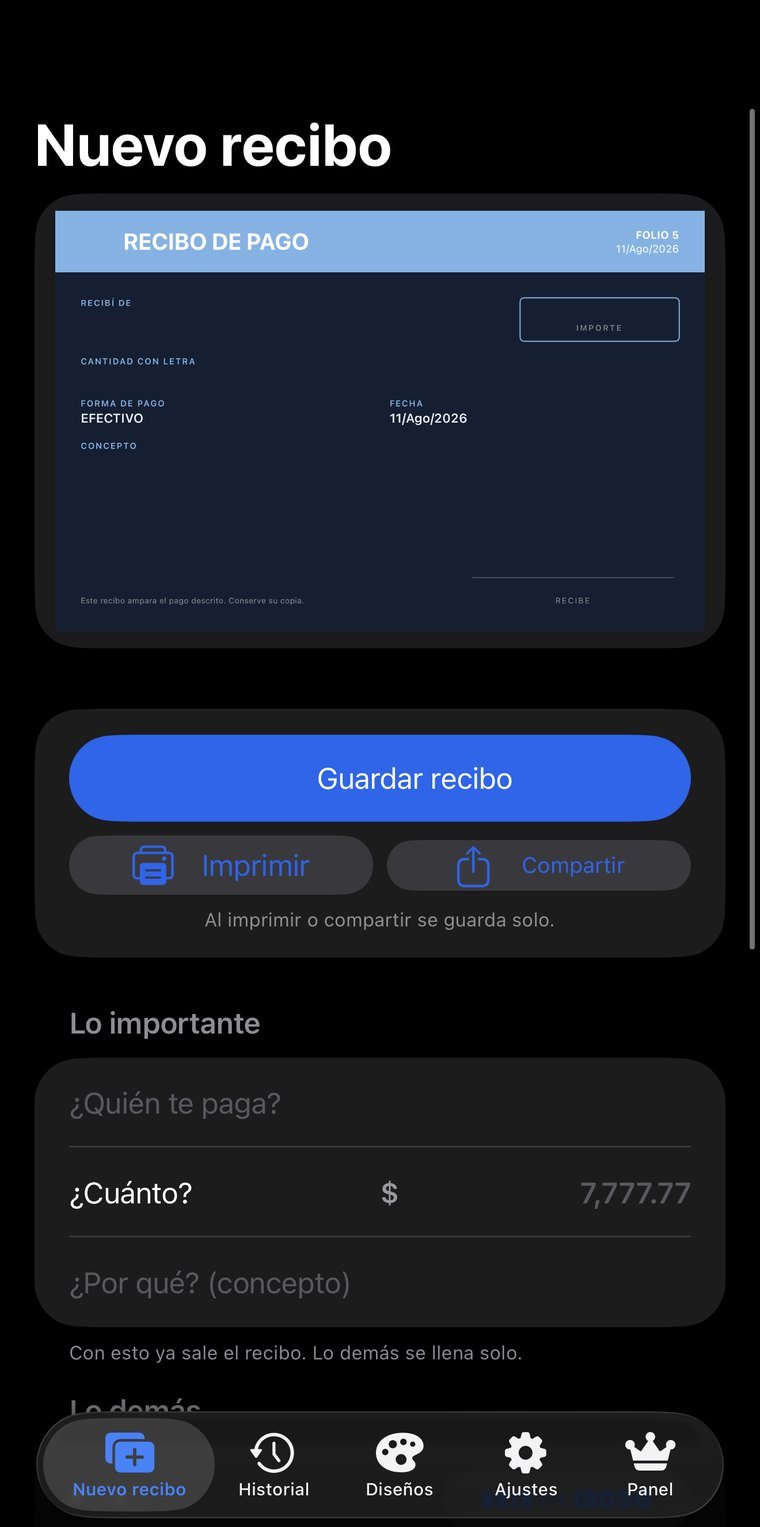
It converts the amount into Mexican Spanish text the way it's actually used, and works with pesos, dollars and euros. The date fills itself in with the day of entry.
Twenty templates across five base layouts — classic, modern, minimal, ticket and elegant — and an editor to duplicate any of them and make it yours: colors, type, border and which elements appear.
The receipt is drawn at 612 × 396 points, half-letter landscape, and comes out as a vector PDF — not a photo — so the text stays sharp at any size. It also exports as a 3x image or goes straight to the printer.
Every issued receipt is stored and synced, so it can be reprinted or found months later without depending on the phone it was made on.
Sign with a finger or Apple Pencil on the screen and the signature stays on the receipt.
The lock is enforced by the server, not the app: it tells you which device the license is active on and lets you move it, once every 24 hours. Reinstalling doesn't get around it.
Without paying you get the basic template and no history. With a subscription everything opens up: the 20 templates, your own, the history and the cloud.
Payment receipts are still written by hand or in a Word template everyone bends a little. The problem isn't the design: it's the amount spelled out in words, which gets written wrong, and the file nobody ever finds again. Here you enter name, date and amount, the written-out amount appears on its own, and the receipt is filed with its history.
No new account, nothing to install: you sign in with the same email and password as the app and see your information on a big screen. Useful for reviewing, showing someone something, or printing without passing screenshots around.
The email and password you already use. If you don't remember it, the reset email goes out from that same screen.
My receipts, my designs, my license, my devices…
The session lives only in that tab and is erased when you close it. If you signed in on a borrowed computer, nothing is left behind.
The web is for reading; entry happens in the app. Two places writing at once is how information stops reconciling and changes get lost — we'd rather that simply couldn't happen.
Permissions are enforced server-side, not by the page. From the browser you can't reach information that isn't yours, even if someone tries by hand.
The web is read-only: receipts are issued from the app.
For anyone issuing receipts every day who doesn't want an accounting system: workshops, schools, landlords, professional practices and service businesses.